Player guide
Tourneasy lets you find badminton tournaments, enter singles, doubles or mixed, pay online and follow your matches on the day. This guide follows that order, from creating your account to collecting your lunch.
What you need
An email address and a phone number.
How you pay
Online with iDEAL, or at the desk if the organiser allows it.
On your phone
Every page works in your phone’s browser.
01Create your account
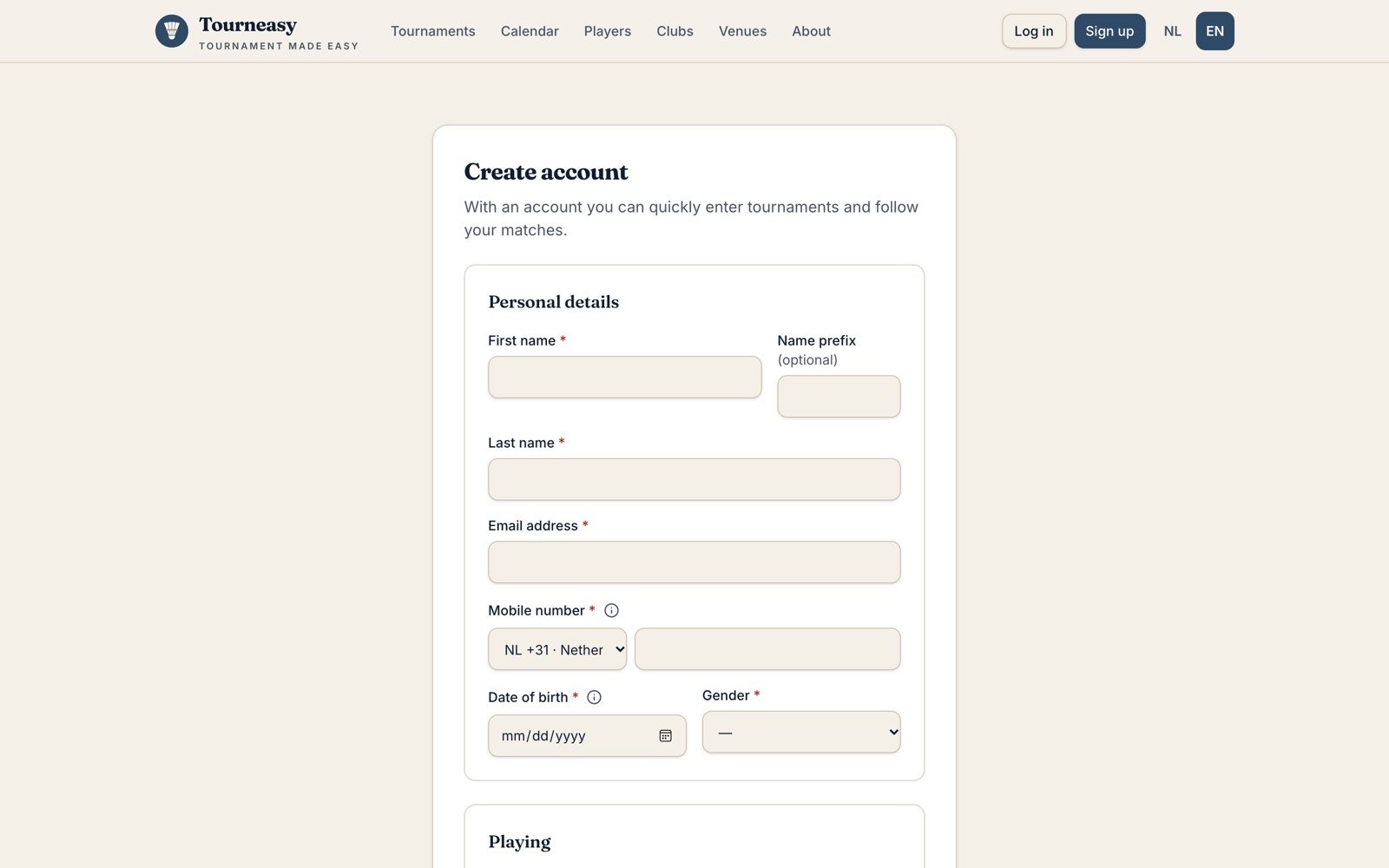
Click Sign up at the top of any page and fill in your details. Your date of birth and gender decide which events you can play, so check them. Then confirm your email address with the link we send you.
You get a member number such as TE100006. Partners can use it to invite you for doubles, and you can log in with it instead of your email.
02Find a tournament
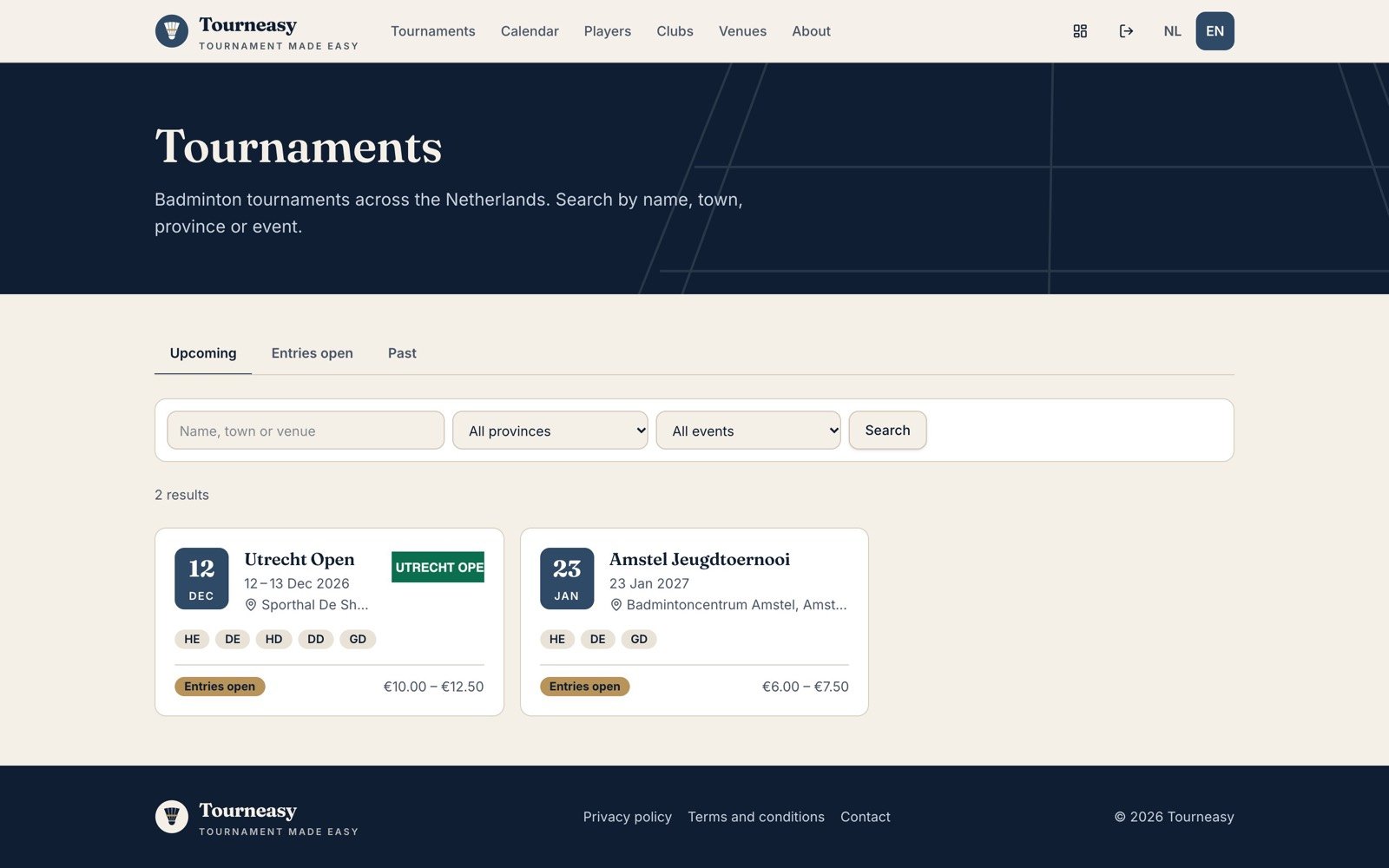
Open Tournaments and choose Upcoming, Entries open or Past. Search by name, town or venue, or filter by province and event. Each card shows the date, venue, events and the fee range. The Calendar shows the same tournaments by month.
03Read the tournament page
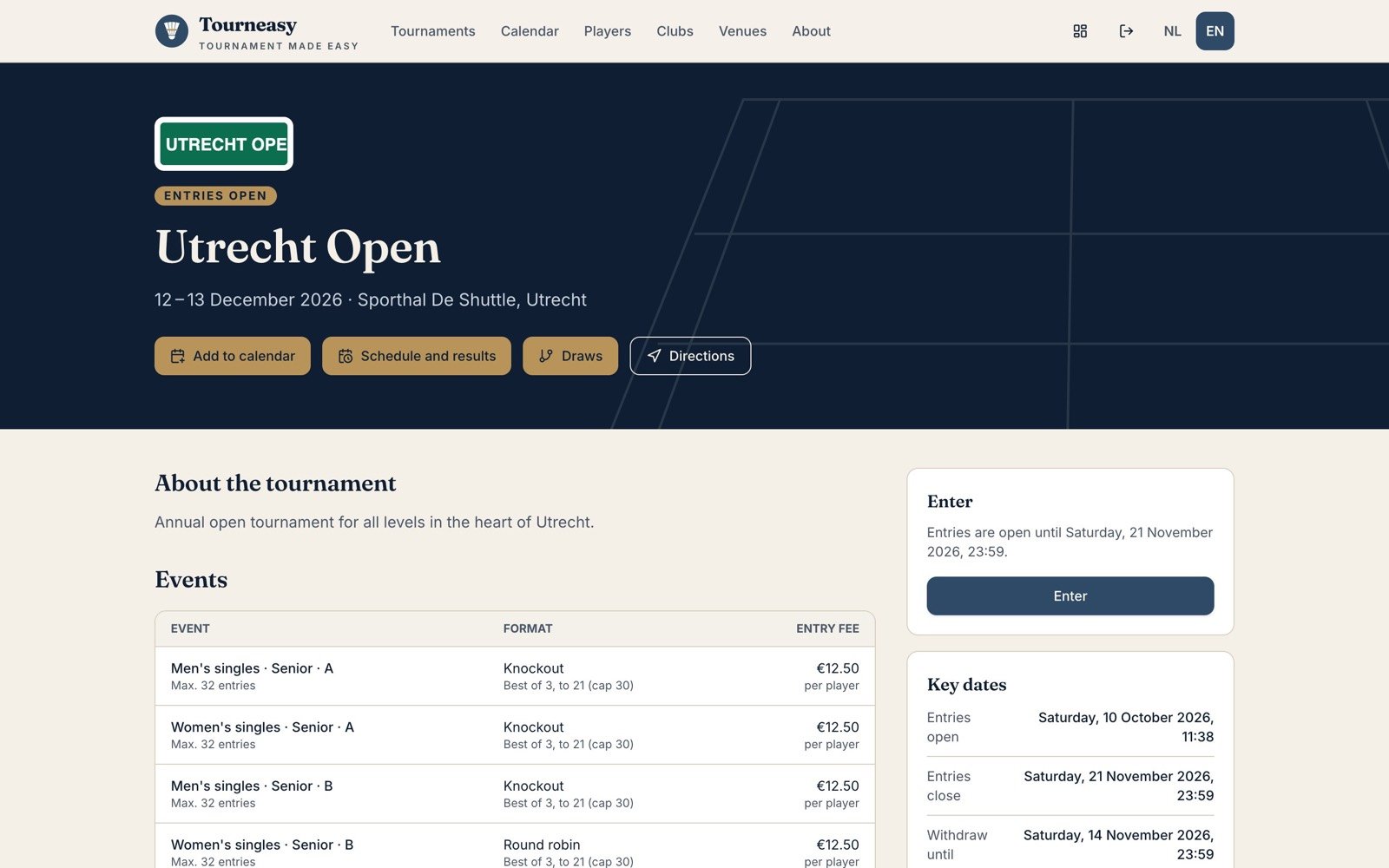
The tournament page has everything you need before you enter:
- Events with their format and entry fee
- Key dates: when entries open and close, and the last day to withdraw
- Refund on withdrawal: how much you get back if you can’t play
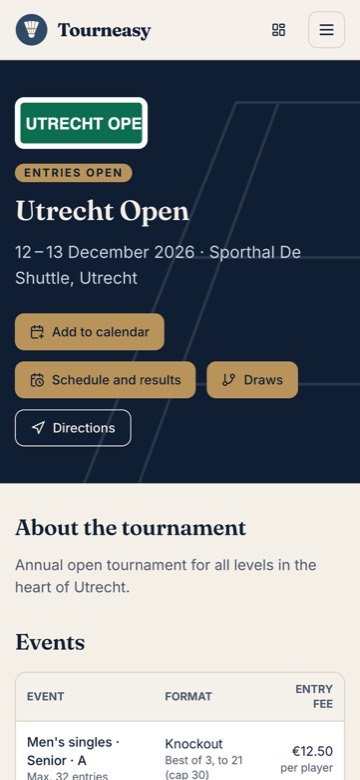
- Buttons to add the tournament to your calendar, see the draws and schedule, and get directions
04Enter and pay
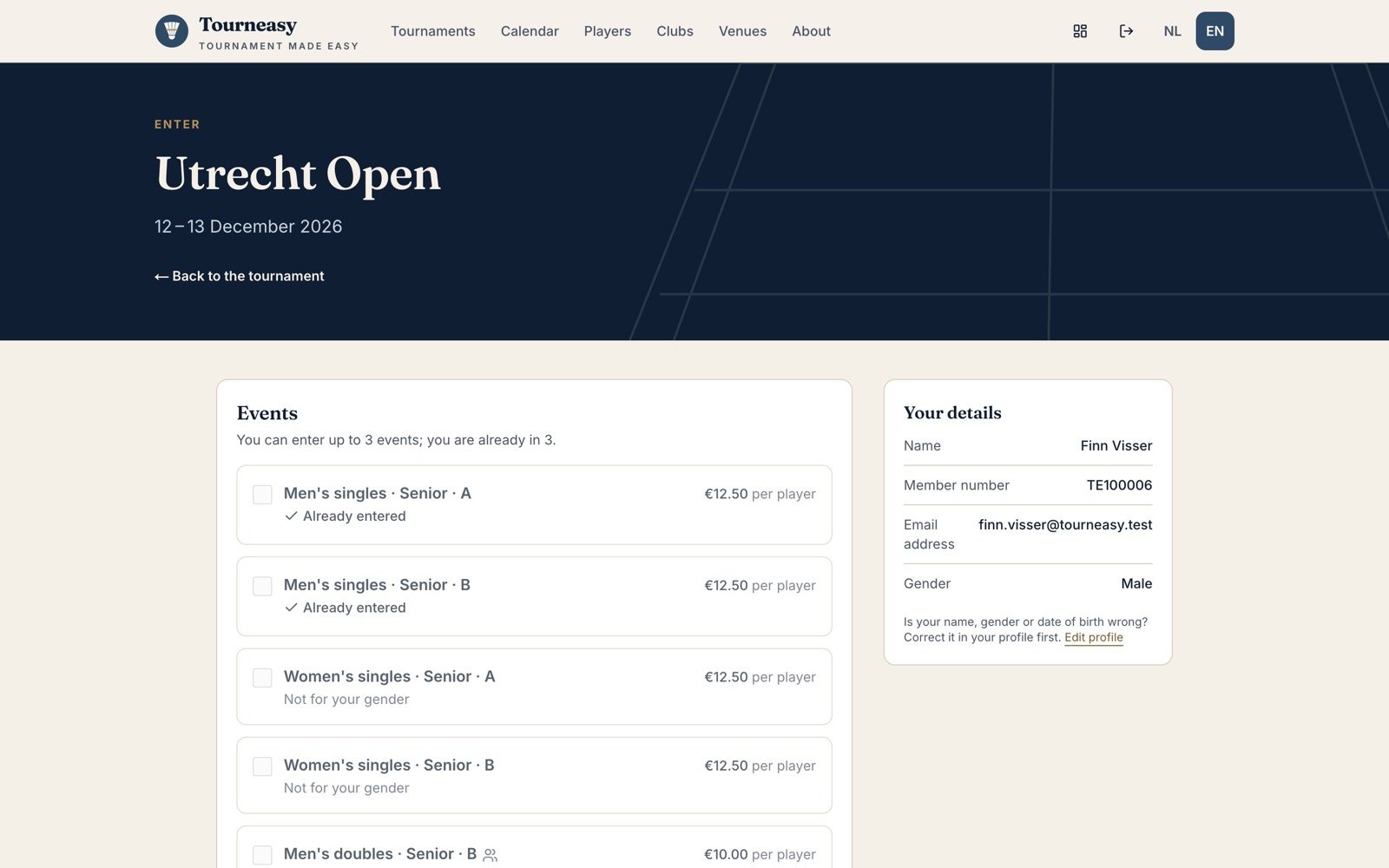
Click Enter on the tournament page:
- Tick the events you want to play. Events you can’t play (because of gender, age or level) are greyed out with the reason.
- For doubles, invite your partner by member number or email. They get an email and have to accept. Still looking? Choose I’m still looking for a partner.
- Pay online with iDEAL. Your place is held for 30 minutes while you pay.
Some tournaments give a discount when you play more than one event; the entry form shows it. Got a discount code from the organisers? Open Have a discount code? in the payment window and apply it before you pay. You get a confirmation and a receipt by email. If the tournament has a WhatsApp group, the confirmation and the tournament page show Join the WhatsApp group once you have an entry.
05Your dashboard
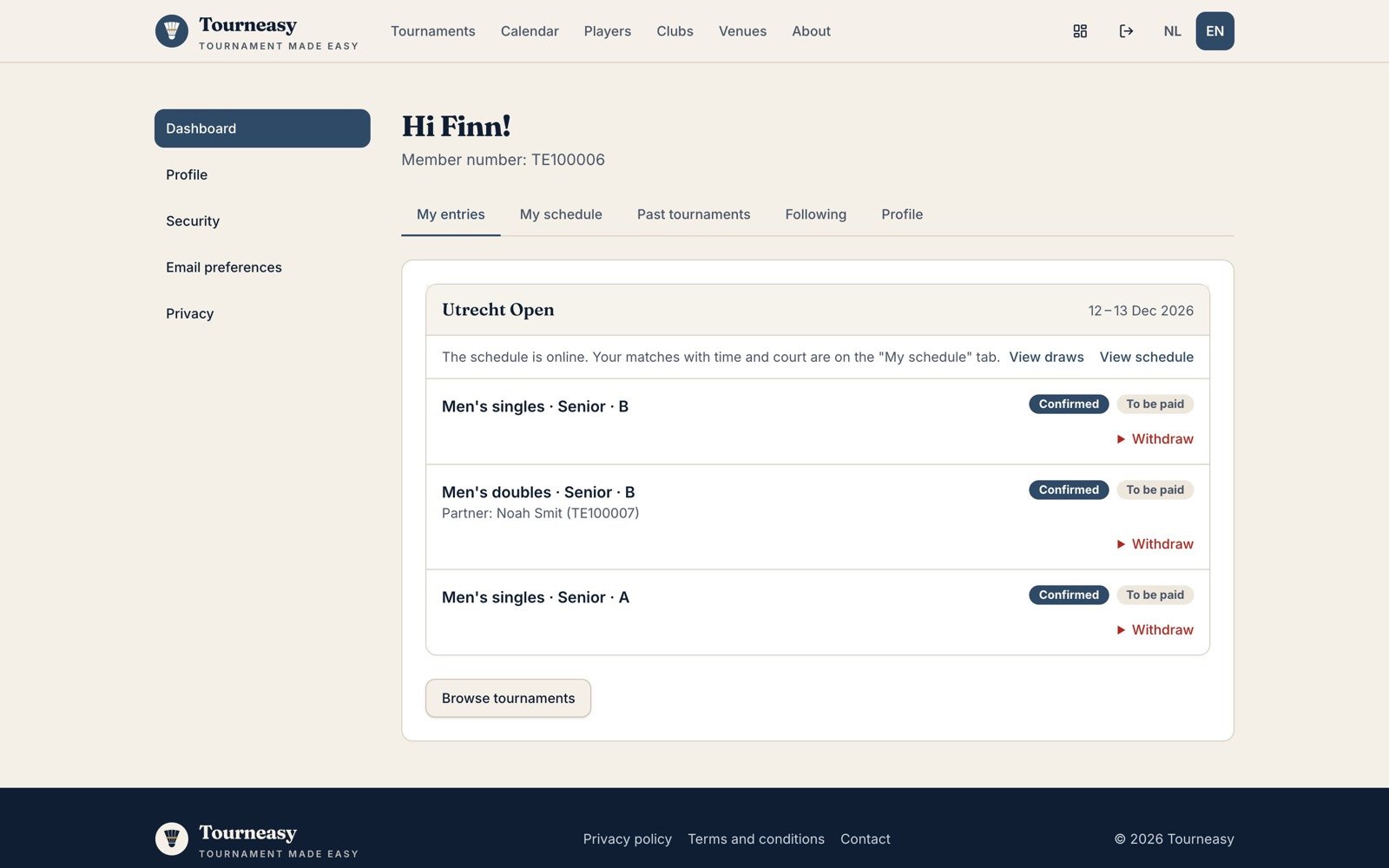
Your dashboard collects everything about your tournaments in five tabs:
- My entries: each event, its status and payment, with Withdraw until the deadline
- My schedule: your matches with time and court, once the schedule is published
- Past tournaments: your results
- Following: players you follow; you’re told when they play
- Profile: a shortcut to your details
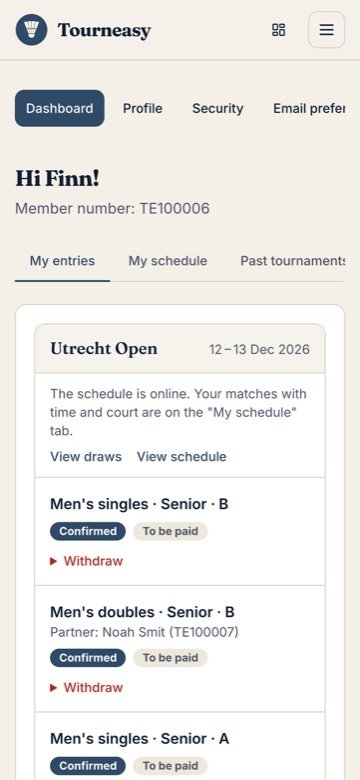
Withdrawing: click Withdraw next to the event. Whether you get money back depends on the tournament’s refund rule. iDEAL refunds can take one to five business days to reach your account.
06Draws, times and results
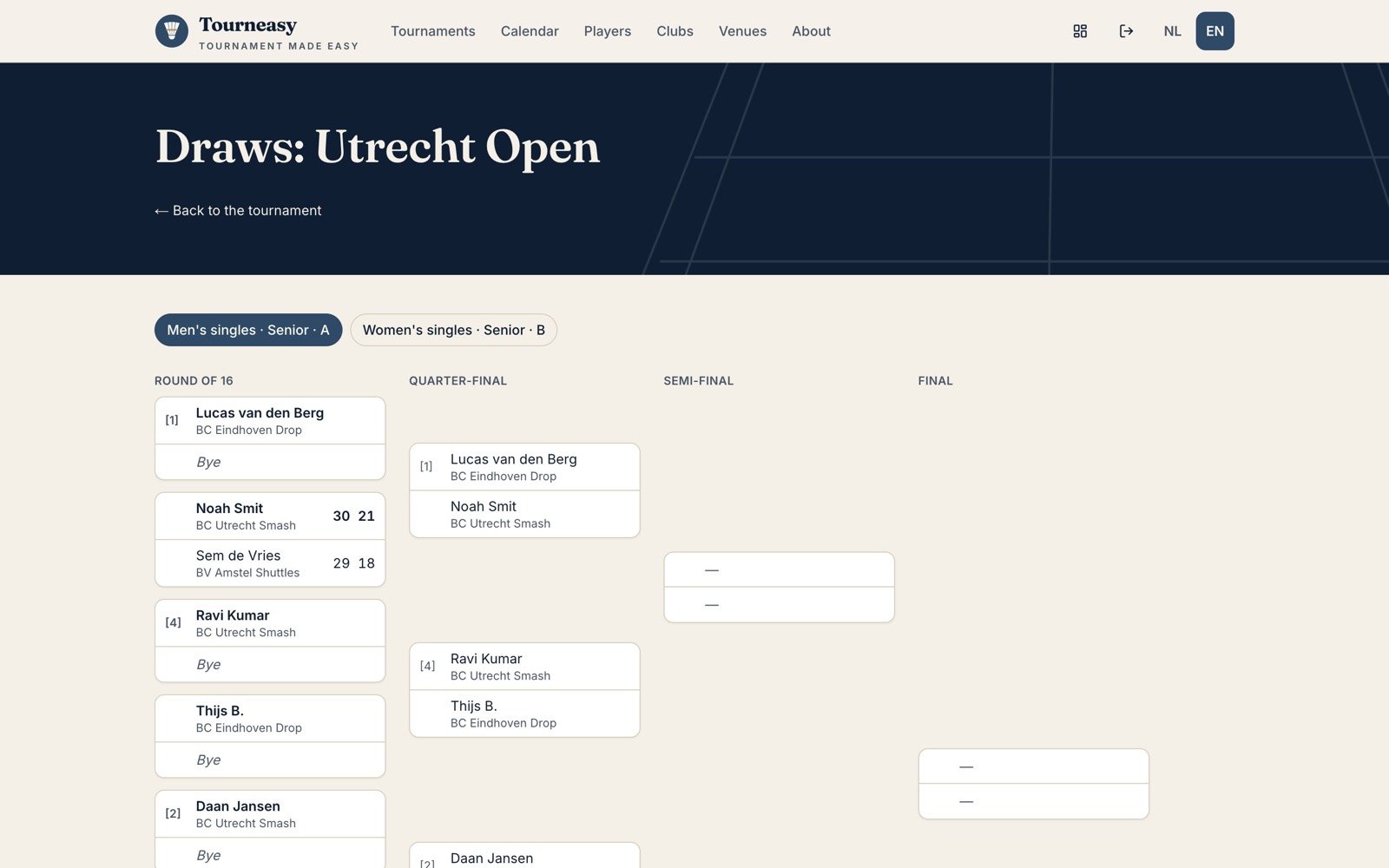
After entries close the organiser publishes the draws, then the schedule. You get an email when your match times are ready, and another if they change. On the day the draws and results update live as the desk enters scores, so you can follow your next opponent from the sidelines.
07Order food
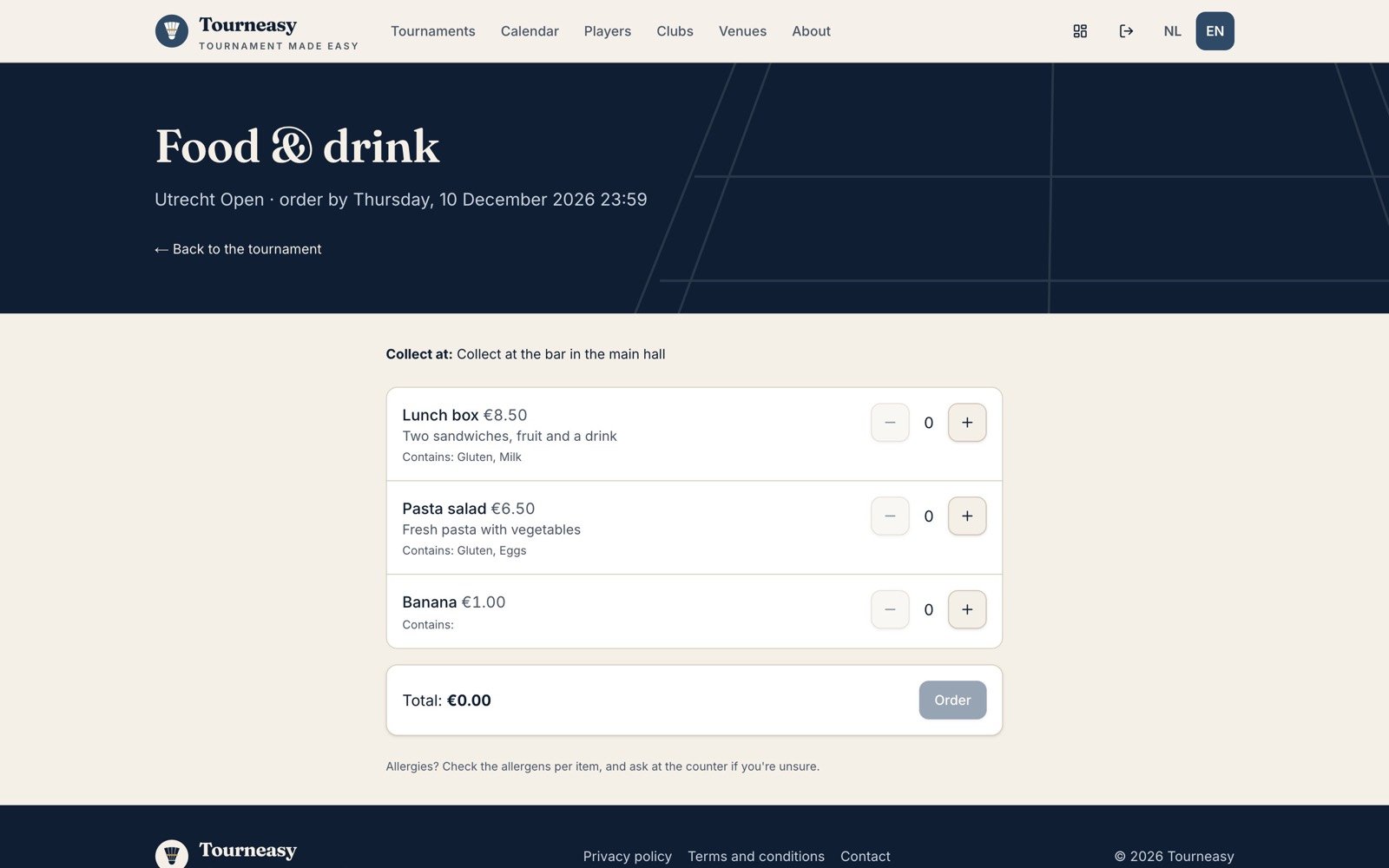
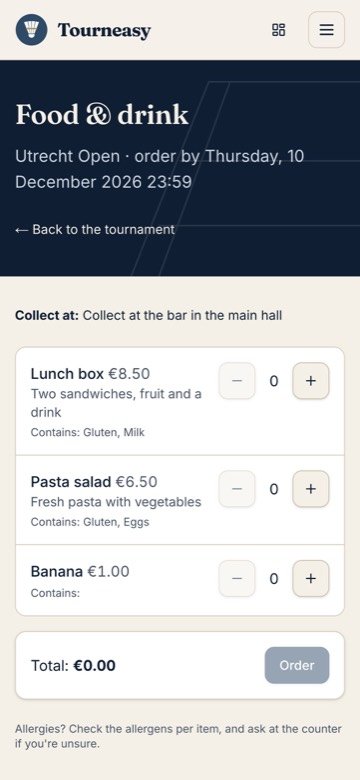
At some tournaments you can order food before the day. Open the tournament page, choose Food & drink, pick your items and pay online. Allergens are listed with every item.
You get an order code with a QR code. Show it at the collection point on the day and the organiser scans it. Order before the deadline shown on the page.
08Profile, emails and privacy
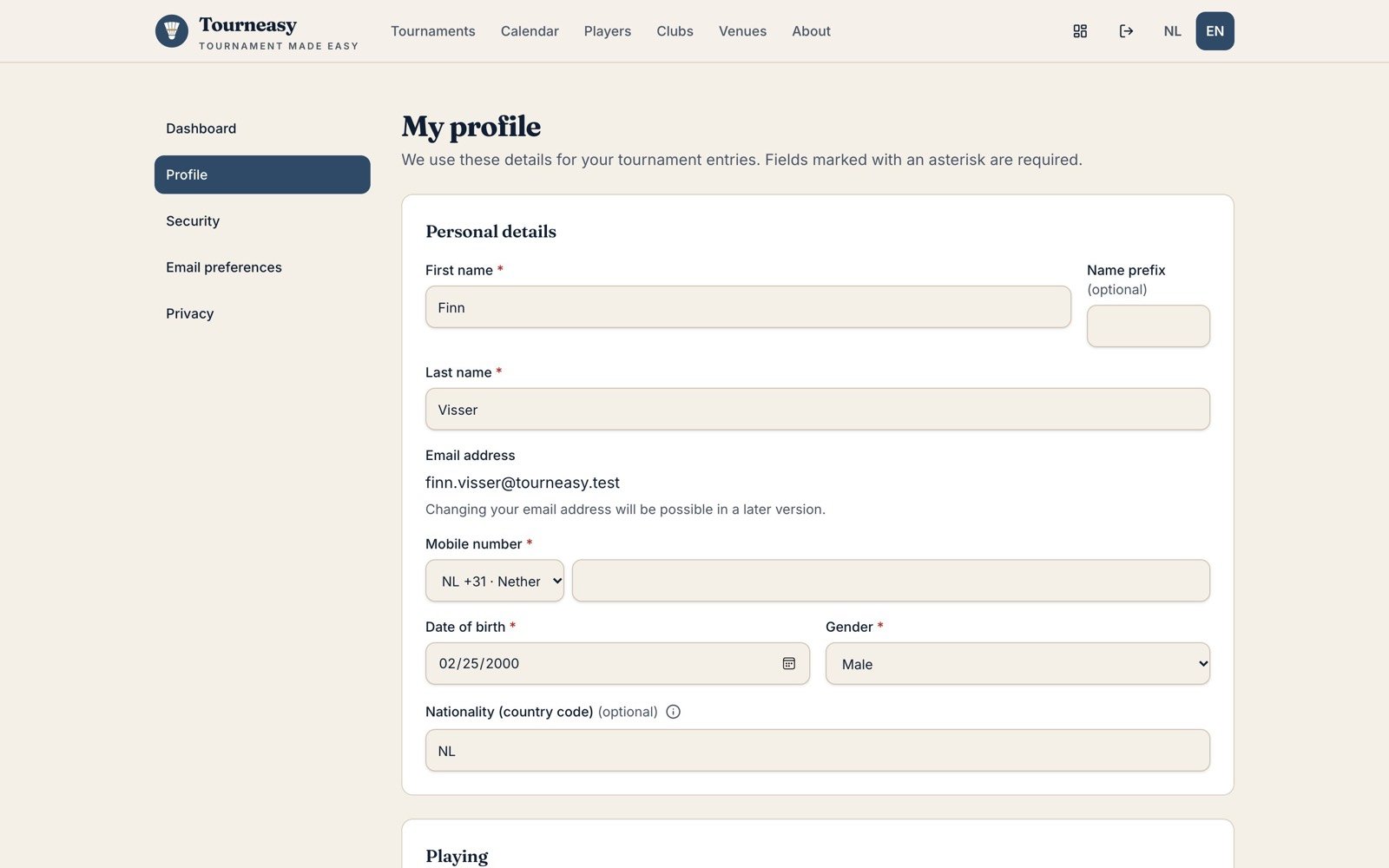
Under My account you manage your own details:
- Profile: name, phone, playing levels, club and an emergency contact for the organiser
- Security: your password, and an optional passkey or authenticator app for extra safety
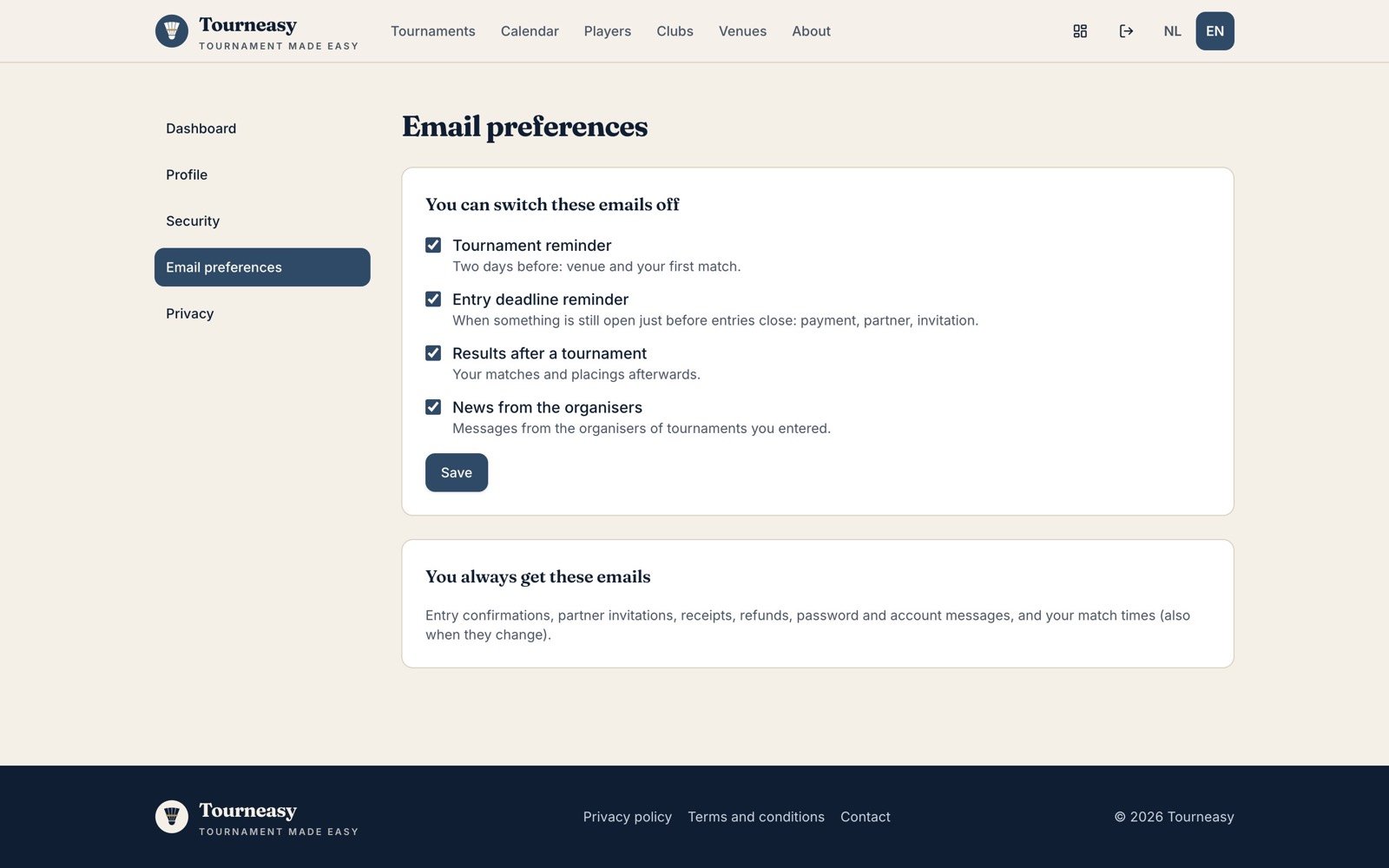
- Email preferences: switch reminders, results and organiser news on or off
- Privacy: download all your data, or delete your account
Still stuck? Email info@tourneasy.com. For questions about a tournament, use the contact details on its page.